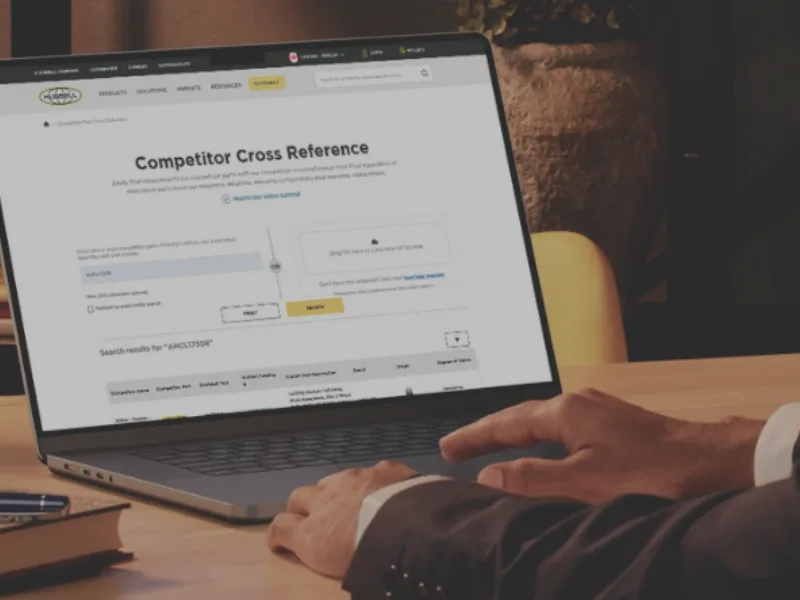

To learn how to use the portal and discover all its features, click here.
Brochures & Catalogues by Brand
We've made it easier for you to explore our brochures and catalogues by adding direct links for each brand.
Search Functions
These features are designed to save you time and enhance your browsing experience by directly navigating to the documents that are most relevant to your needs.
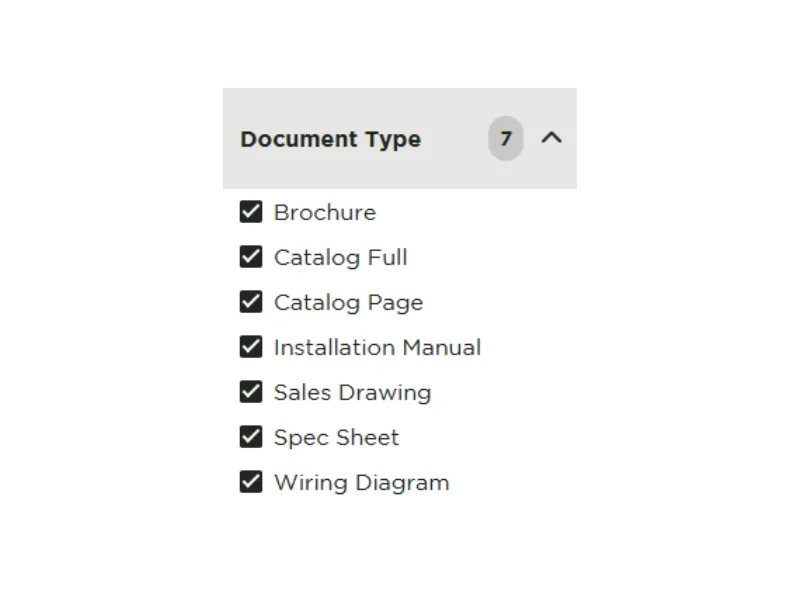
Filter by Document Type
Our platform offers a tailored filter experience that allows you to streamline your search results by selecting only the types of documents you need. Whether you're in search of a detailed brochure, a comprehensive full catalog, a specific spec sheet, or precise drawings, our filtering system makes it easy to find exactly what you're looking for. Simply choose the document type you are interested in, and our system will display all available resources in that category.
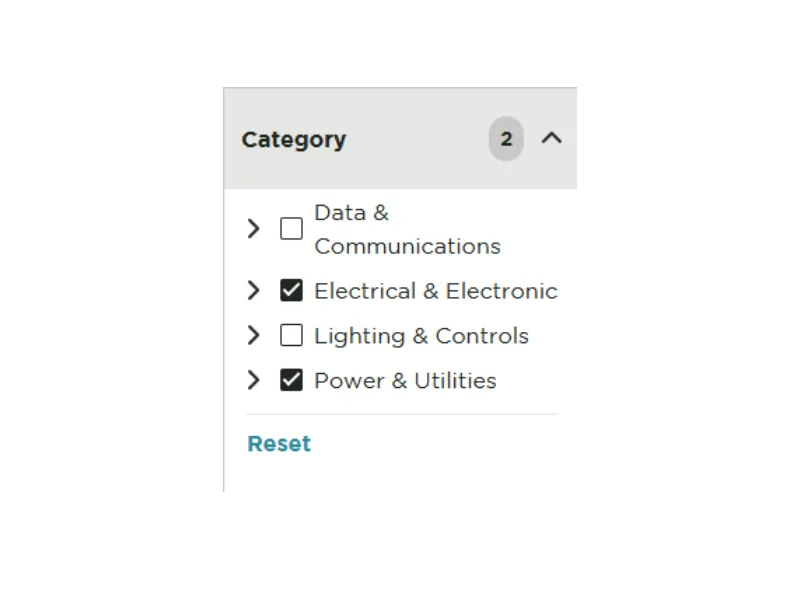
Filter by Category
Our platform enhances user experience by offering a category-based filter feature, allowing you to efficiently navigate through our extensive database. This method not only streamlines the search process but also ensures that all available resources are at your fingertips, tailored to your specific requirements and interests.
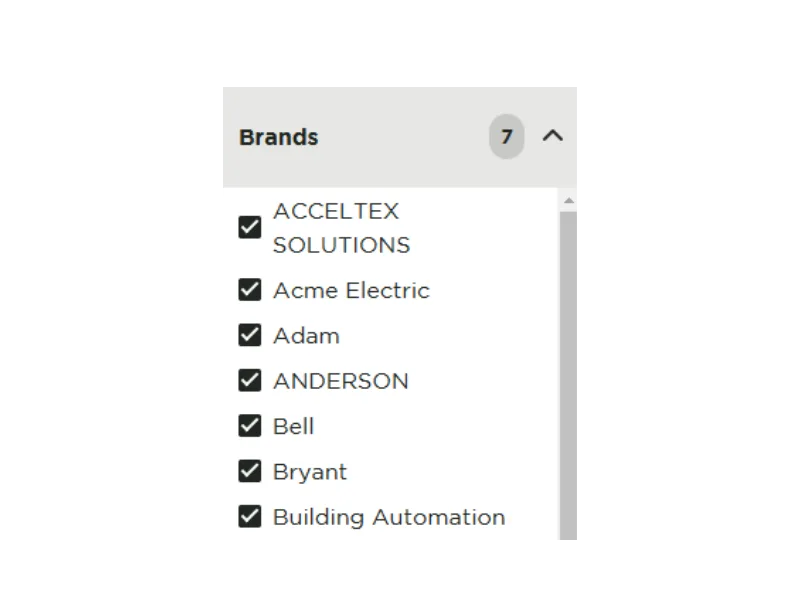
Filter by Brand
Our platform recognizes the importance of brand-specific searches in helping you find precisely what you need. With our filter by brand feature, you can directly access a curated list of documents, resources, and materials associated with your chosen brand. This targeted approach simplifies the search process, allowing you to bypass general results and focus on the brand that meets your criteria.
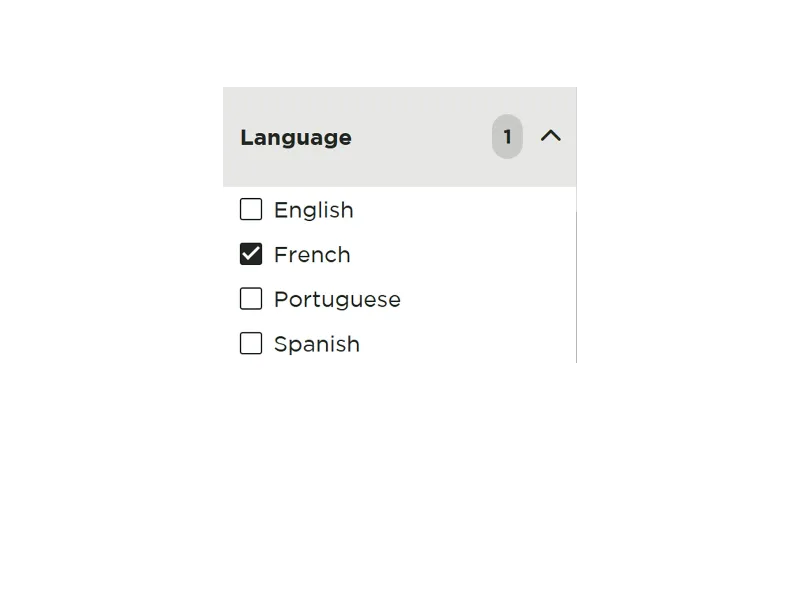
Filter by Language
Our platform makes it easy to find documents in your preferred language with our language filtering feature. Whether you're looking for English, French, or other available language resources, you can quickly refine your search results to display only the documents that meet your language requirements. This streamlined approach helps you access the most relevant materials faster, ensuring a more efficient and user-friendly experience.
Search Results Display Settings
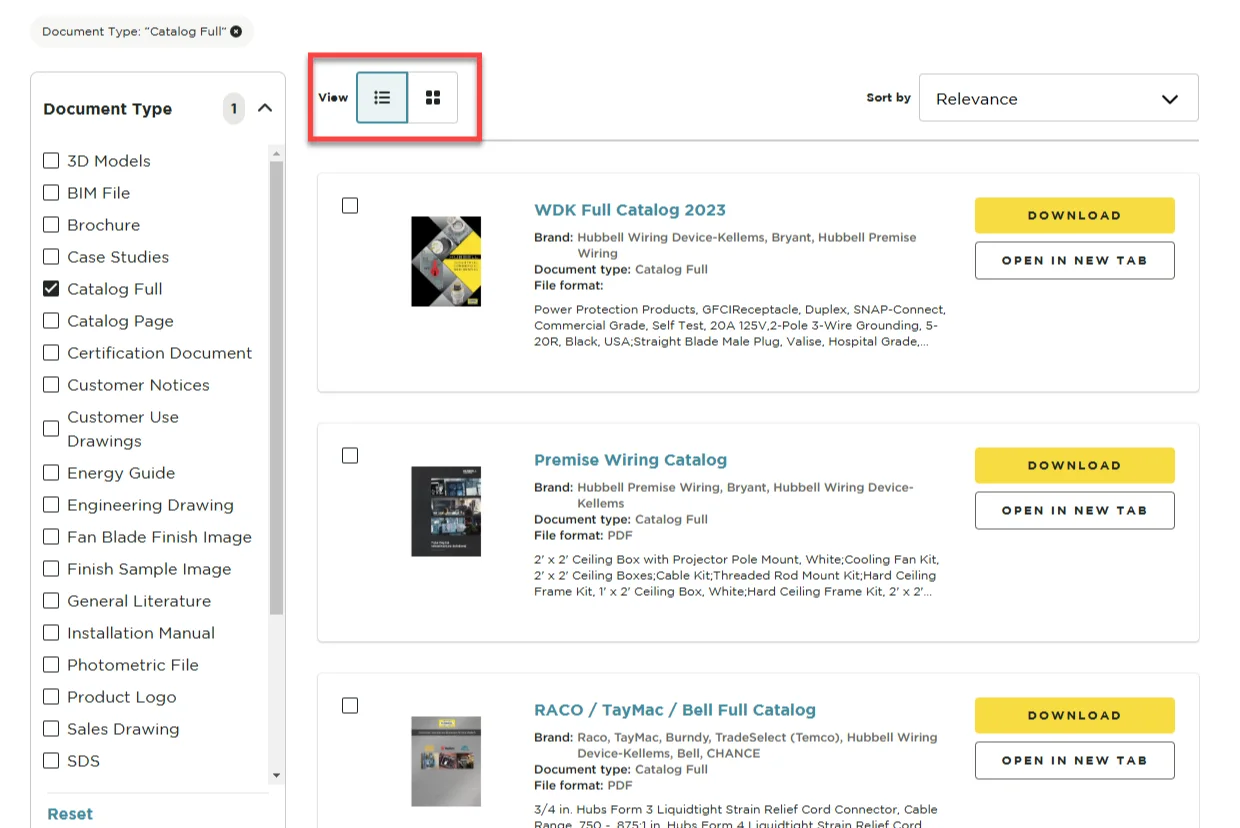
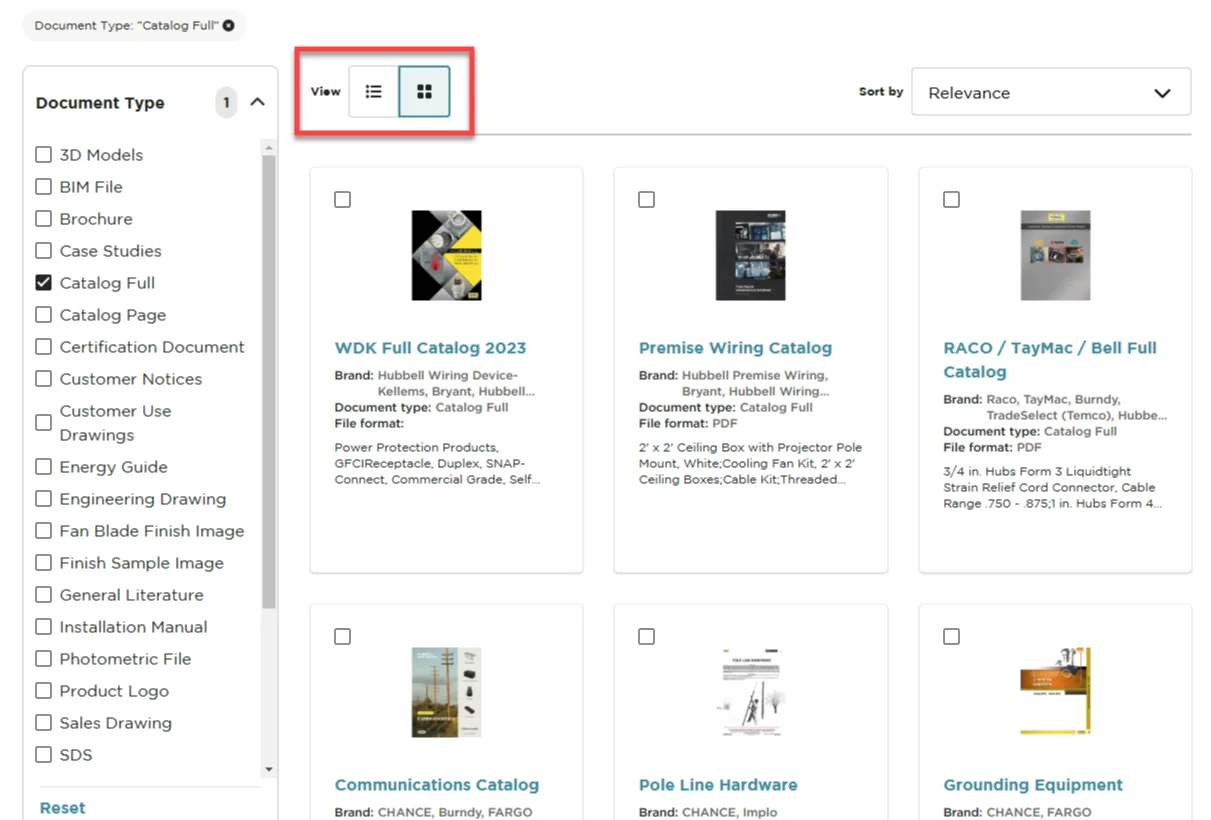
You can also customize how you view the results of your search query. You can opt for either a List View or a Card View. You can toggle between these views based on your preference.
List View
The List View presents the search results in a straightforward, vertical list format, allowing you to easily scroll through the items.
Card View
The Card View organizes the search results into distinct cards, making it easy to visually scan through multiple entries.
Hubbell Tools & Resources
Here are a few of our most popular online tools to help you find what you're looking for in a flash.